Signing in
The User Control Panel is where you manage your SSH keys, API tokens, objects, policies, teams, and instances. Open it in a browser and sign in with the email and password issued for your account.
note
The screenshots below are captured automatically from the live product on each release, so they match the version you're running.
Sign in
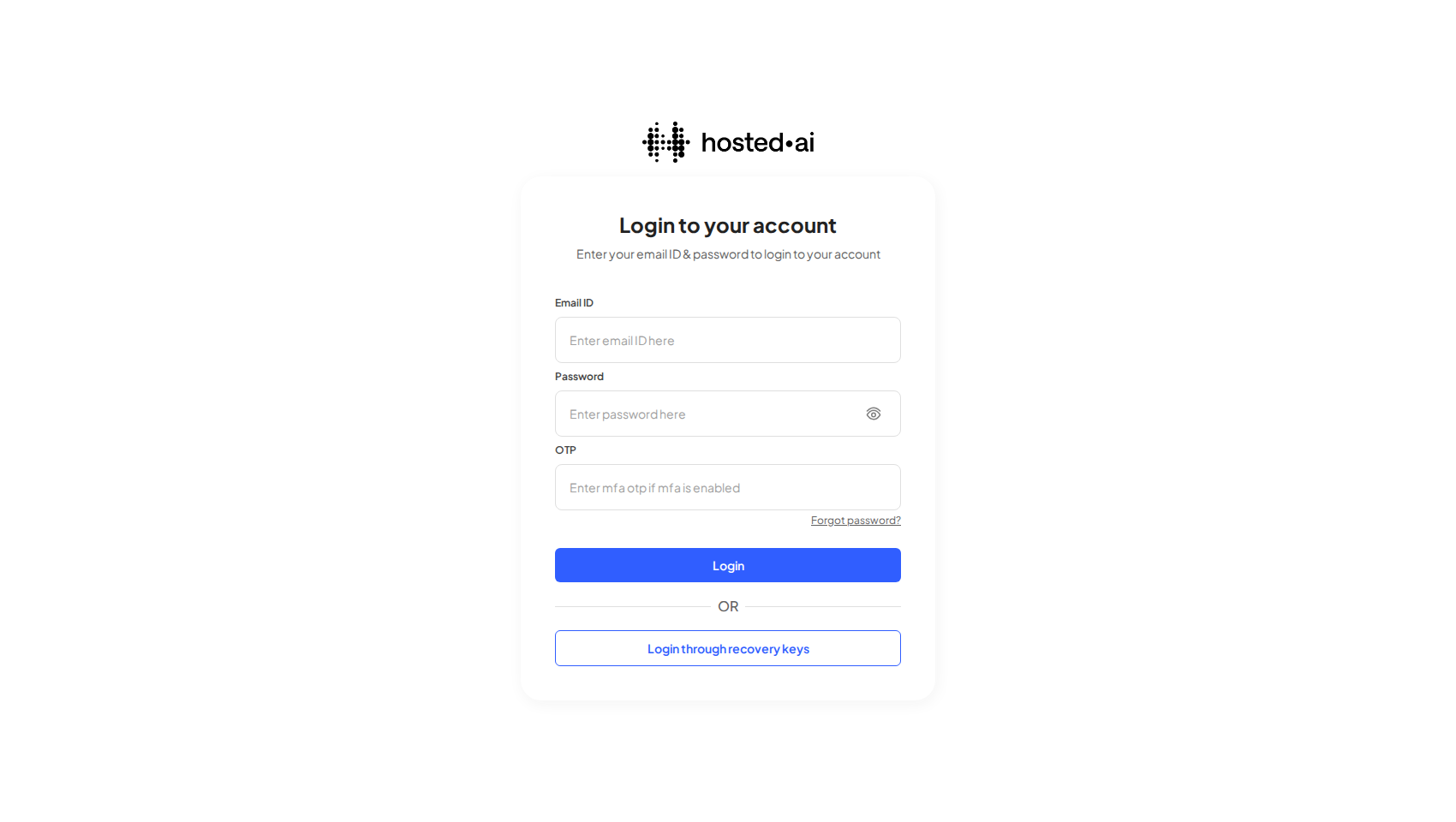
Enter your Email ID and Password, then click Login. If your account has multi-factor authentication (MFA) enabled, also enter the current one-time code from your authenticator app in the OTP field before logging in.
If you can't sign in
- Forgotten password — use the Forgot password? link to start a reset.
- Lost your MFA device — click Login through recovery keys and sign in with one of the recovery keys you saved when you first enabled MFA.
Reference
Fields
| Field | Type |
|---|---|
| Enter email ID here | text |
| Enter password here | text |
| Enter mfa otp if mfa is enabled | text |