caution
Draft — needs prose. Auto-scaffolded from a capture run. The screenshots and reference table below are live, but the walkthrough prose is a TODO. Replace this admonition and flesh out the steps.
Services
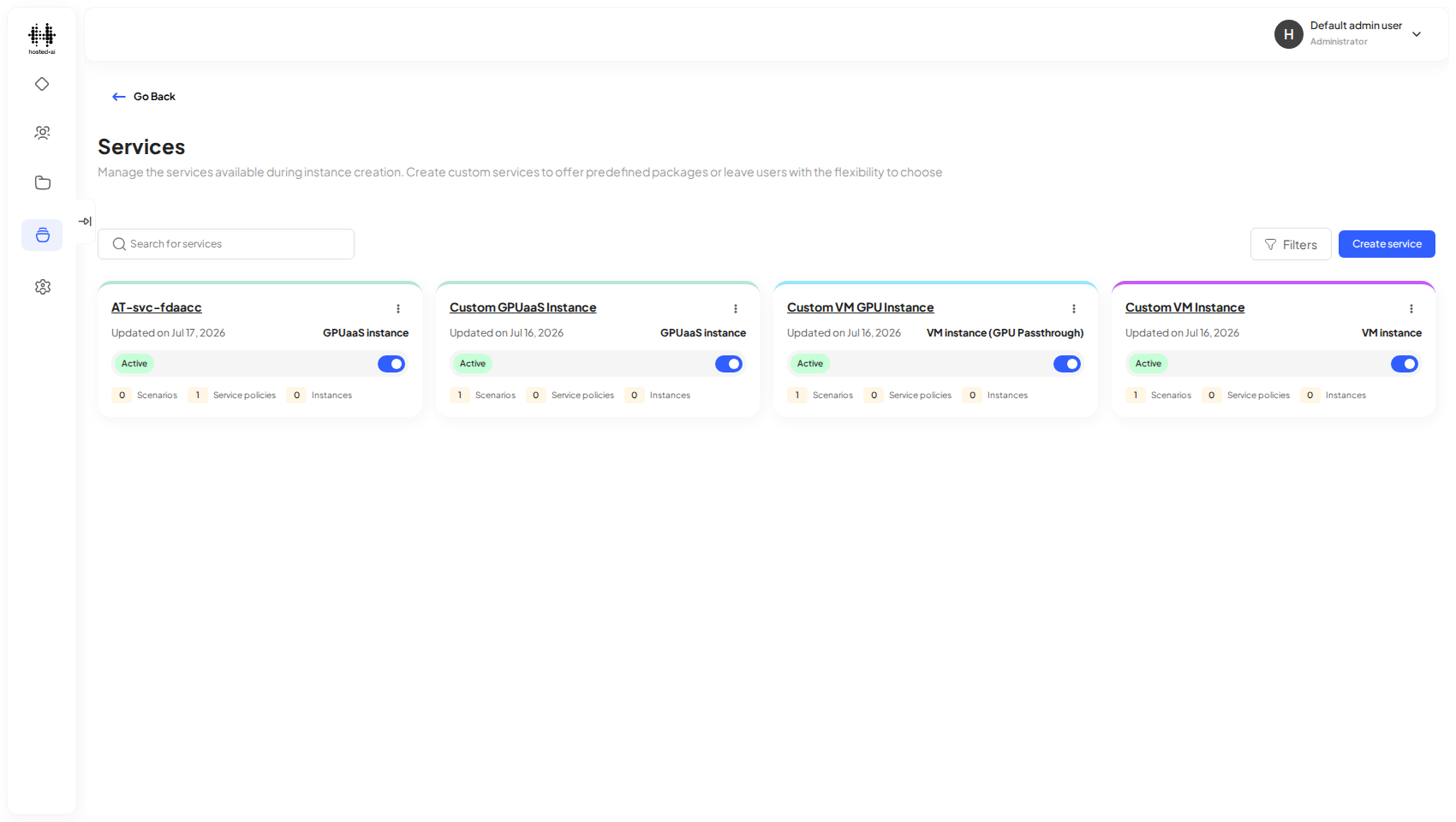
The Services page lists the service templates your team can deploy.
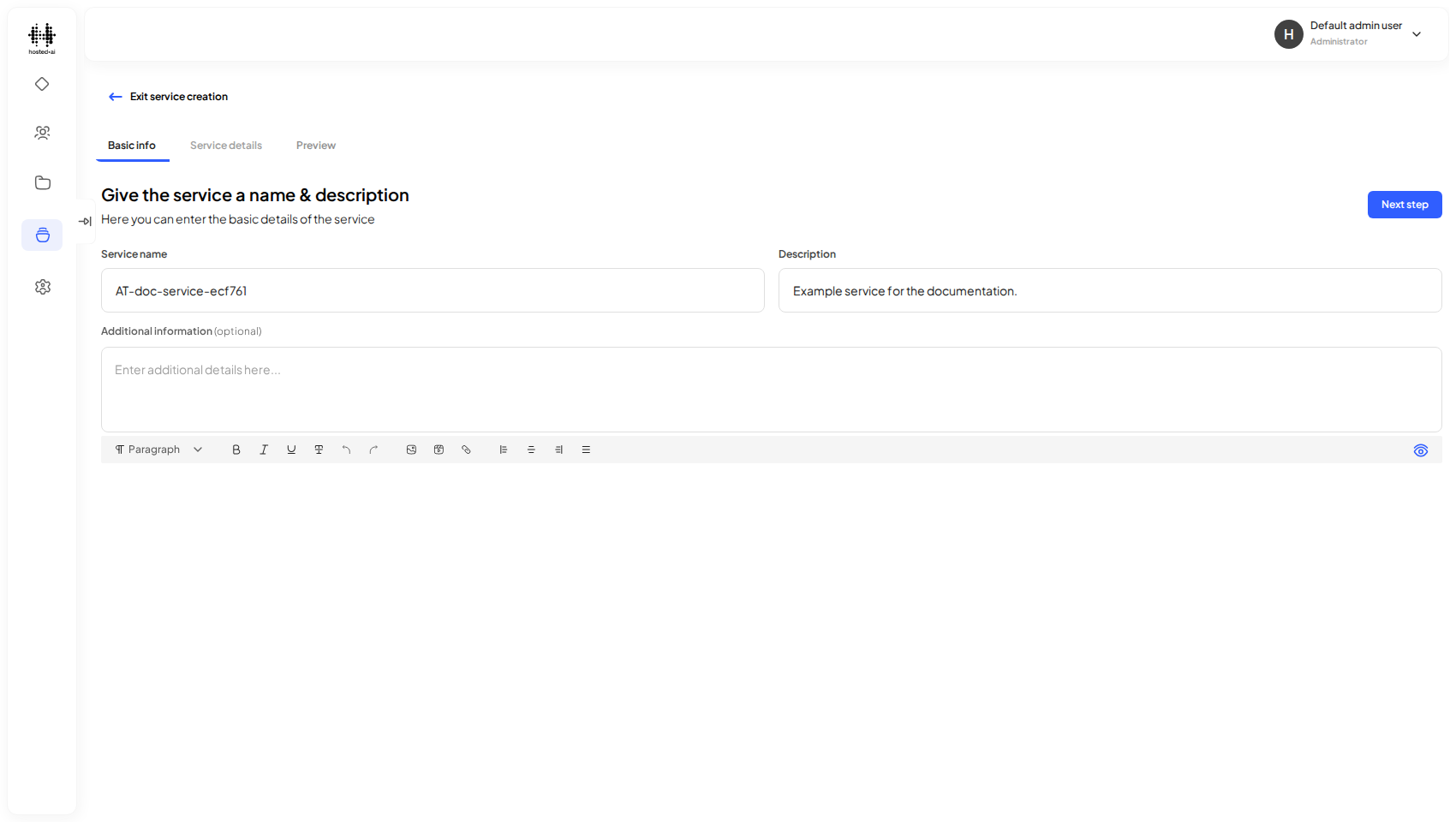
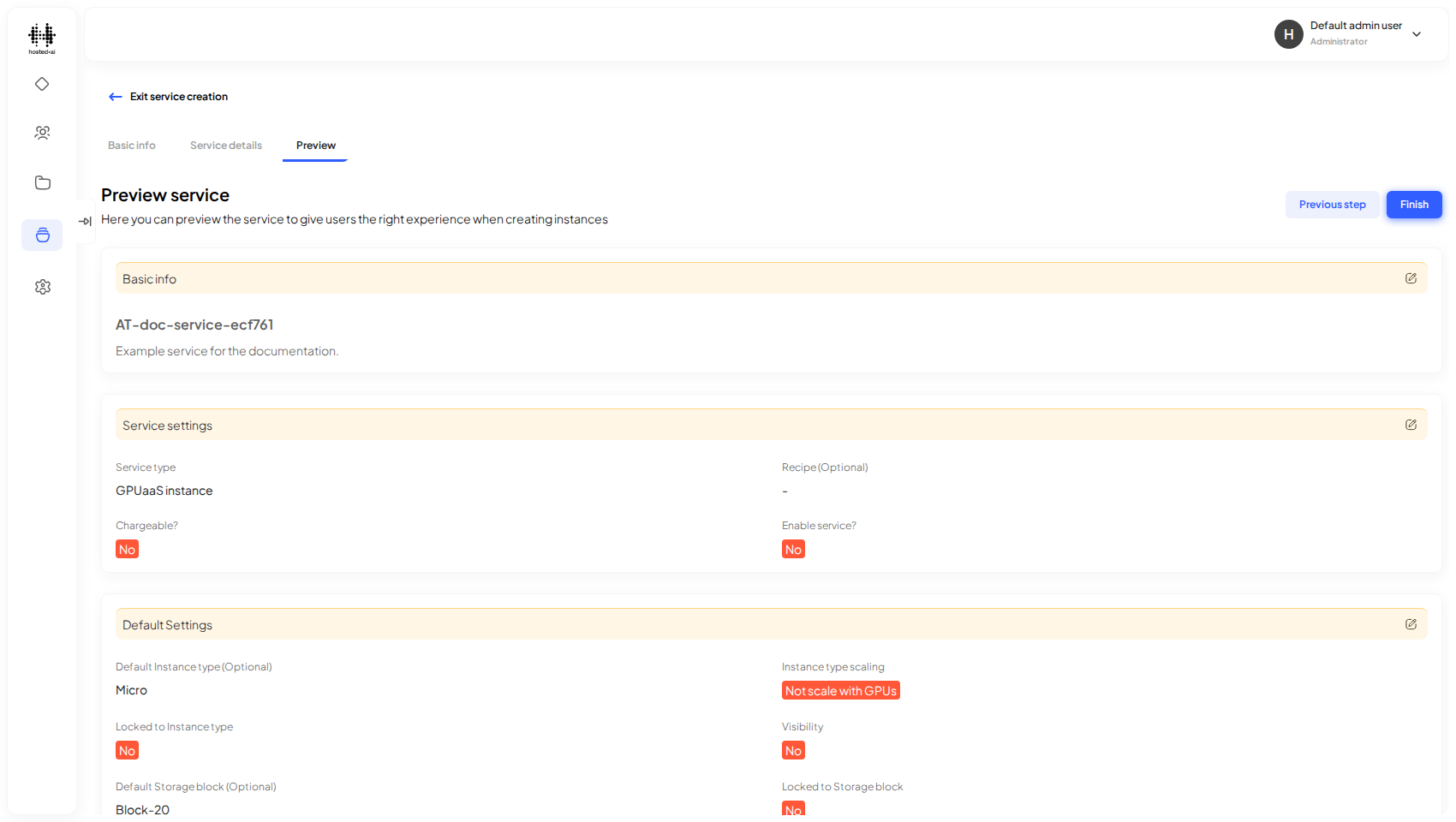
Step 1: give the service a name and description.
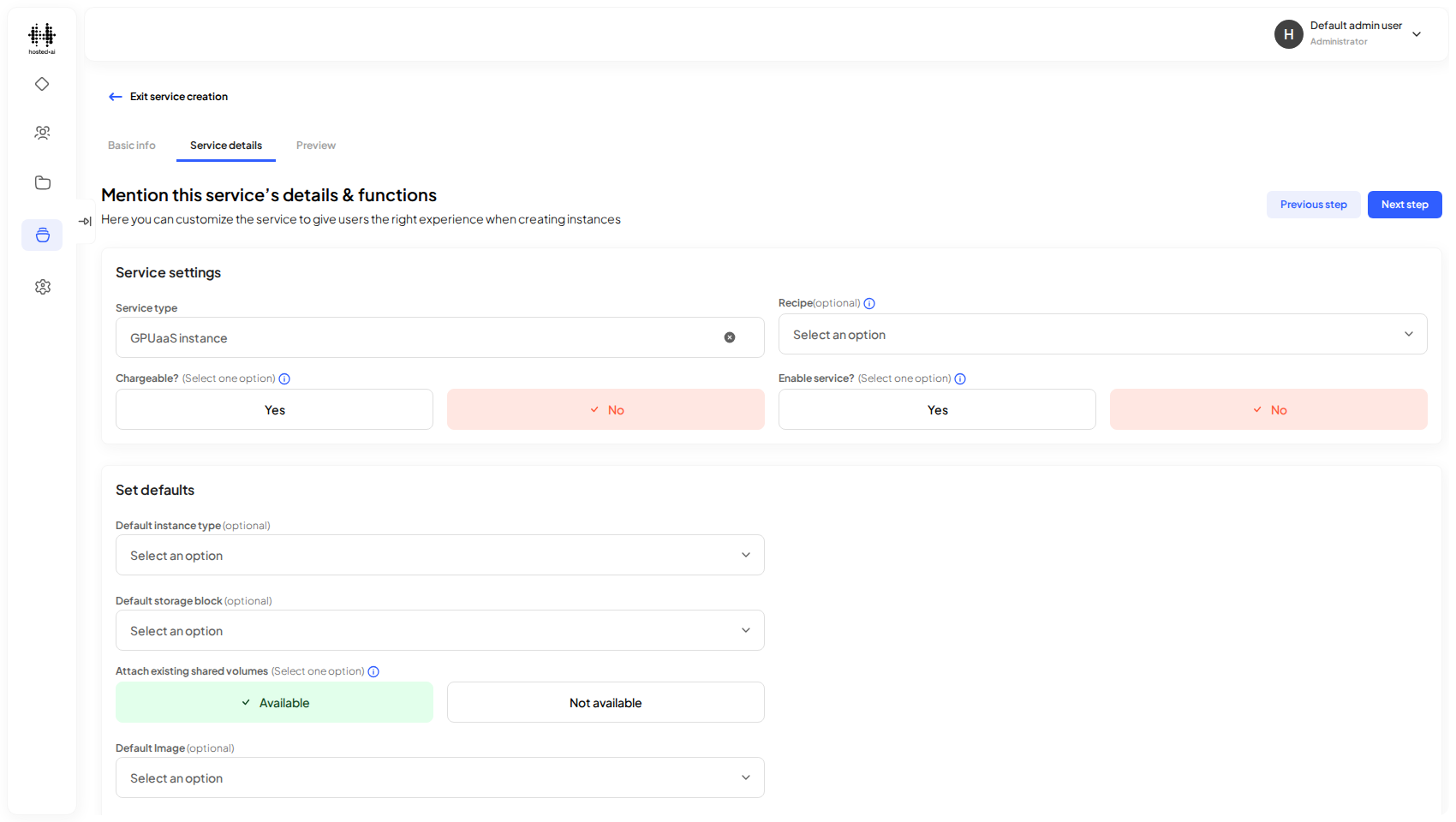
Step 2: choose the service type — here, a GPUaaS instance.
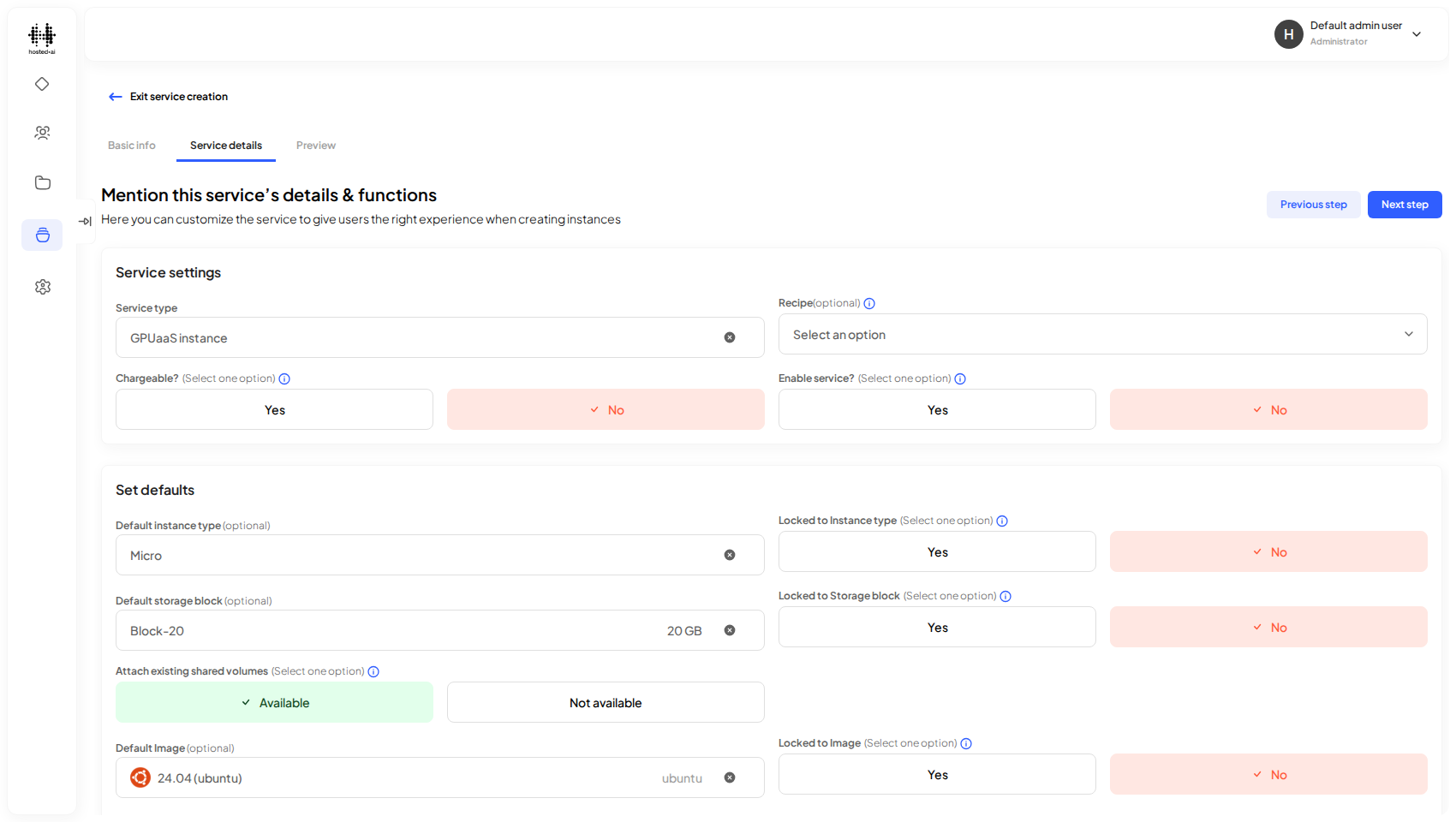
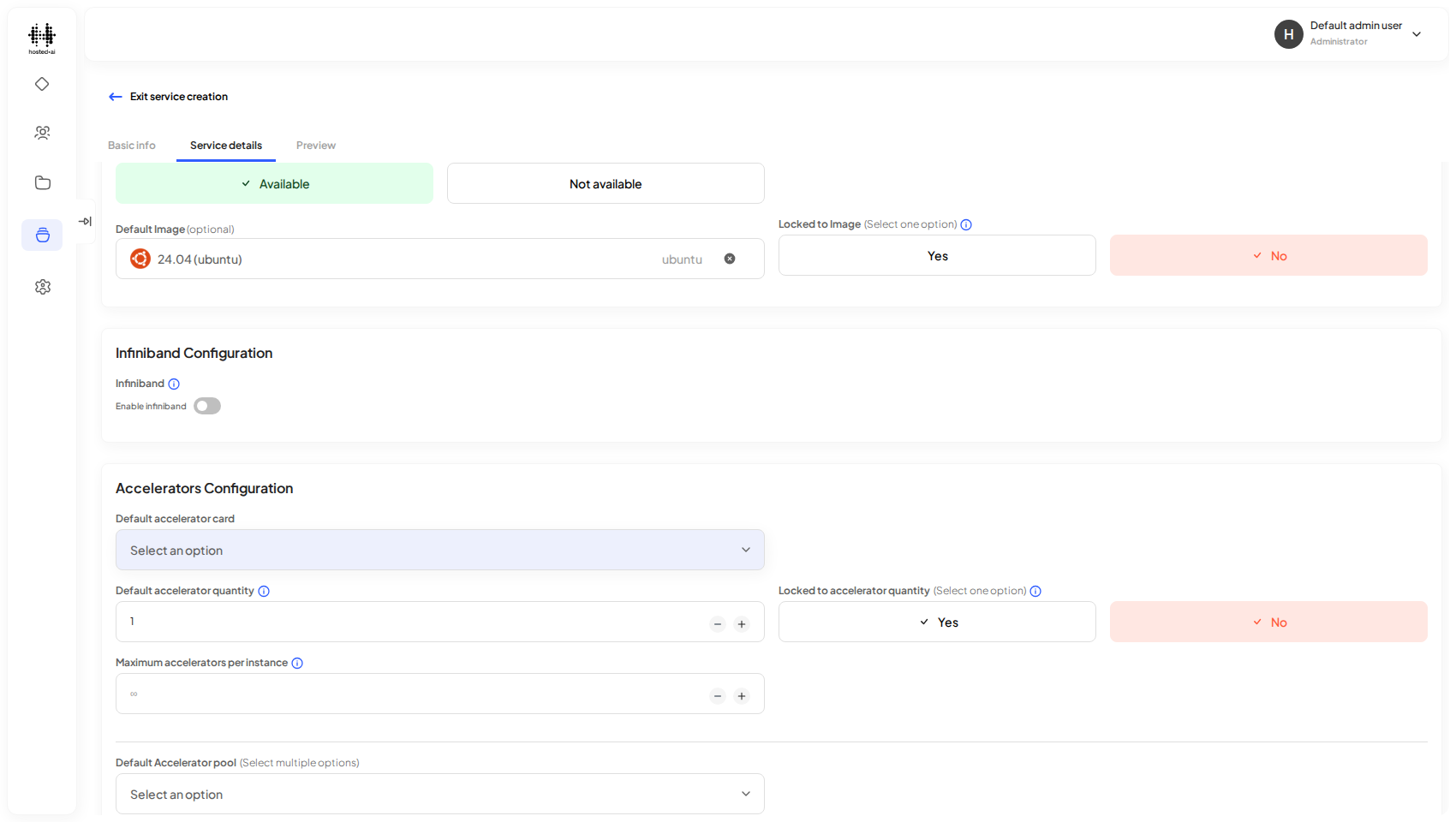
Set the default instance type, storage block, and image the service deploys with.
Configure the accelerator card and pool the service uses.
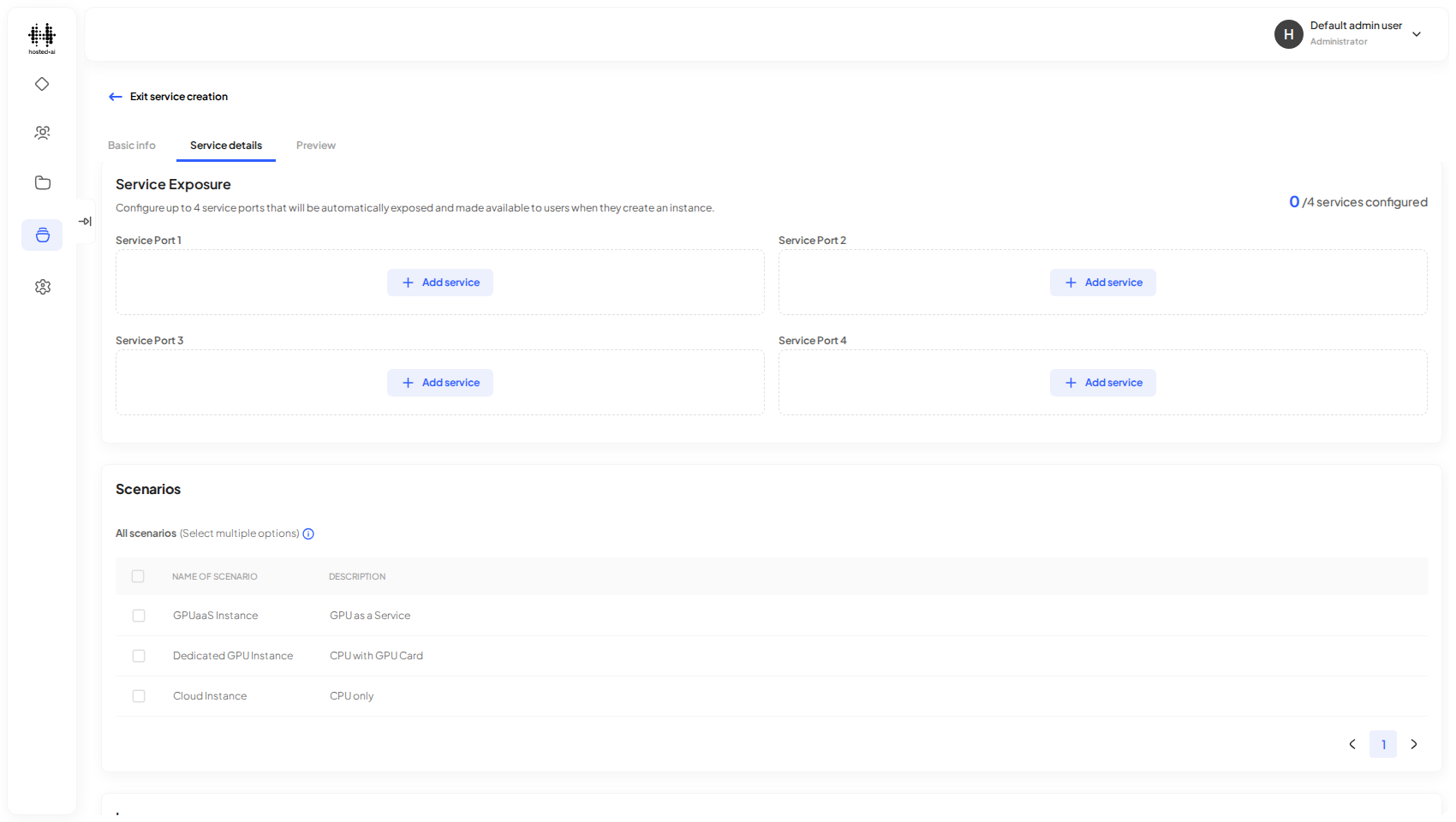
Select the scenarios to bundle with the service.
Review the full configuration on the Preview step before you Finish.
Reference
Fields
| Field | Type |
|---|---|
| Search for services | text |