Creating API Tokens
API tokens let you authenticate to the Hosted.AI API from scripts and CI. This page walks through creating, viewing, and deleting a token in the User Control Panel.
Screenshots are captured automatically from the live product each release.
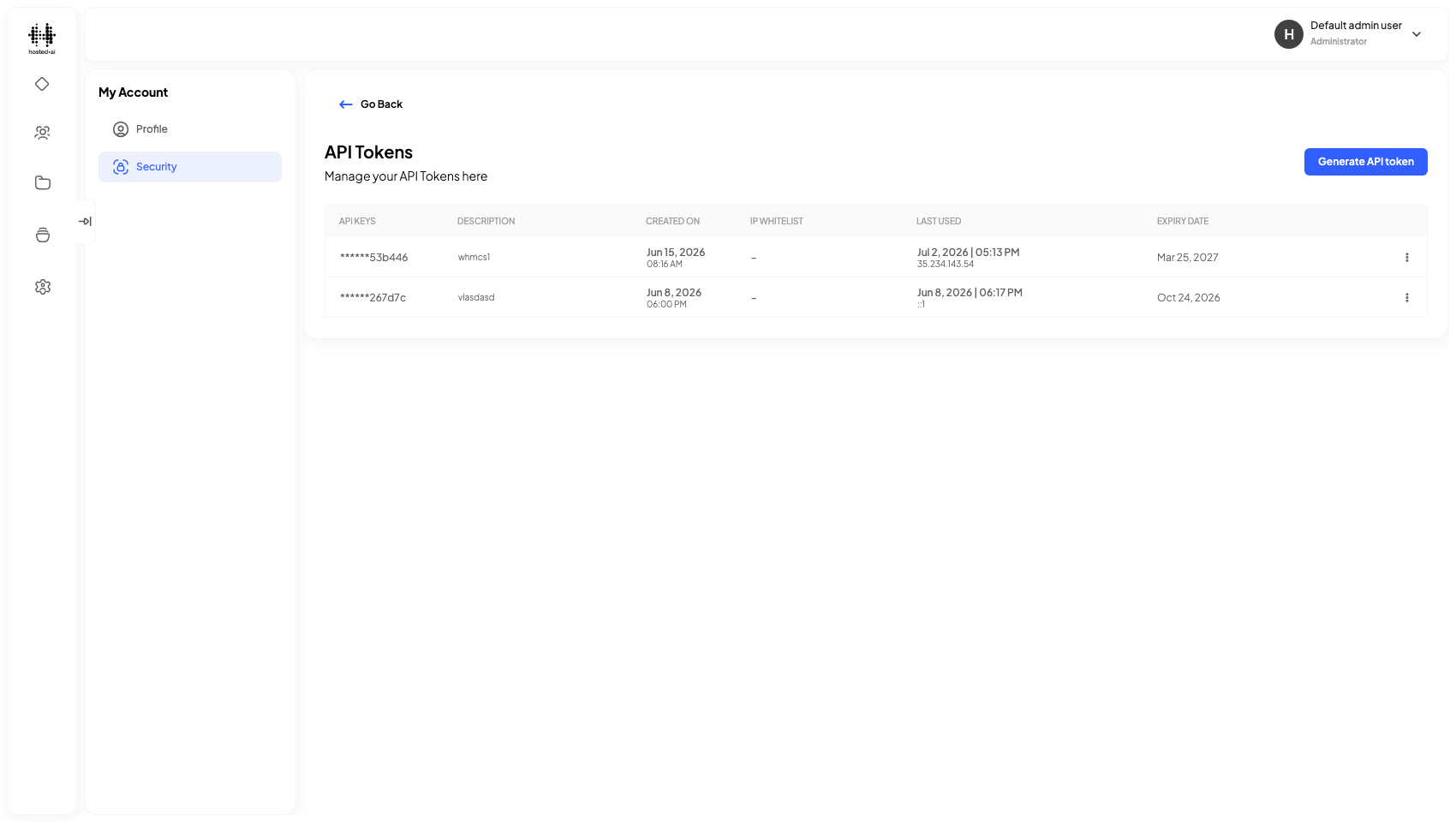
Open the API Tokens page
Go to Profile → Security → API Tokens. Existing tokens are listed with a masked preview of the key and their expiry.
Create a token
-
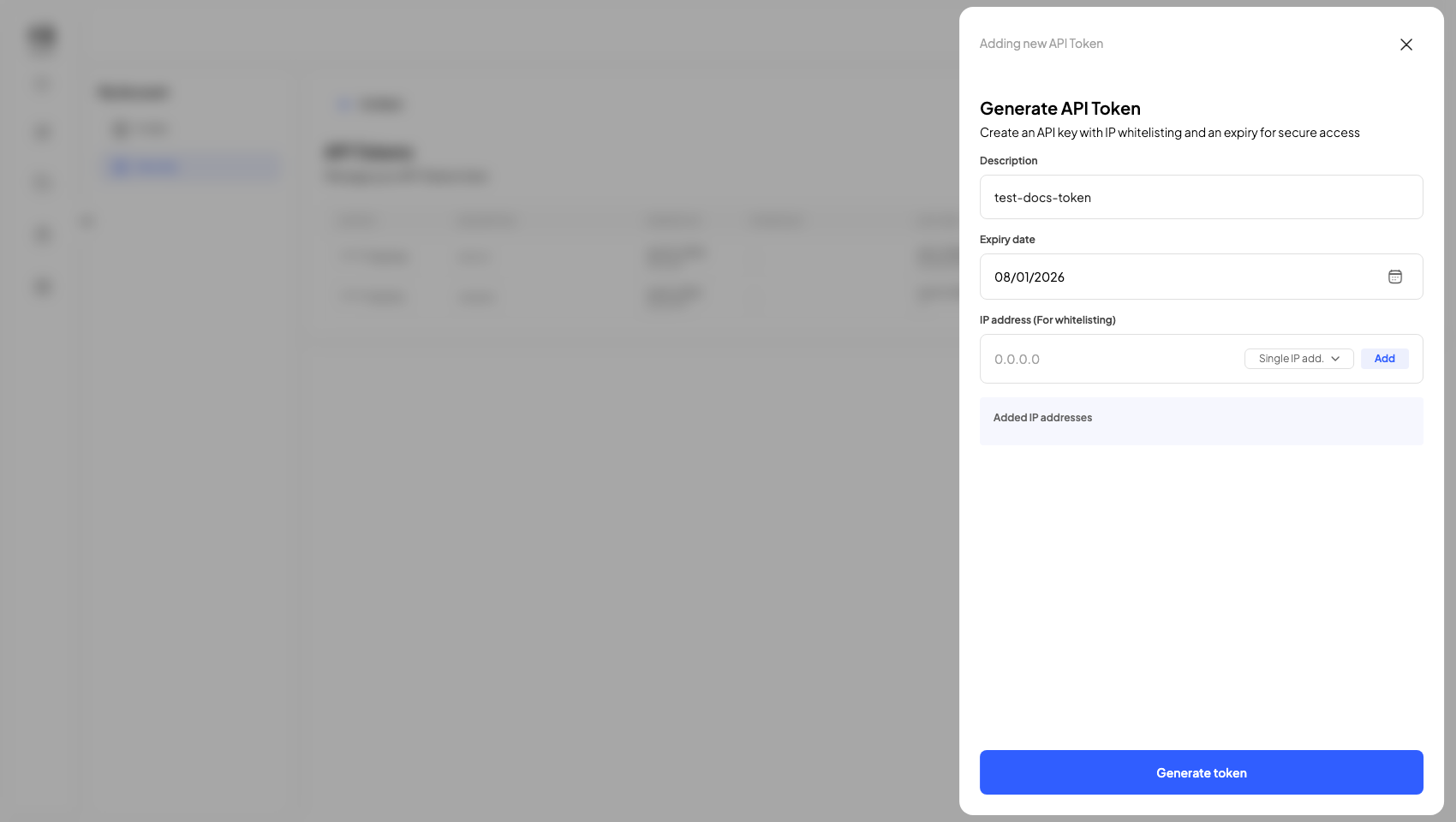
Open the create form, give the token a description, and set an expiry date. Optionally restrict it to specific IP addresses.
-
Generate the token. A "Save your API key" dialog shows the key once.
warningCopy the key immediately — it cannot be retrieved later. (A screenshot of this step is intentionally omitted from these docs so no key value is ever published.)
-
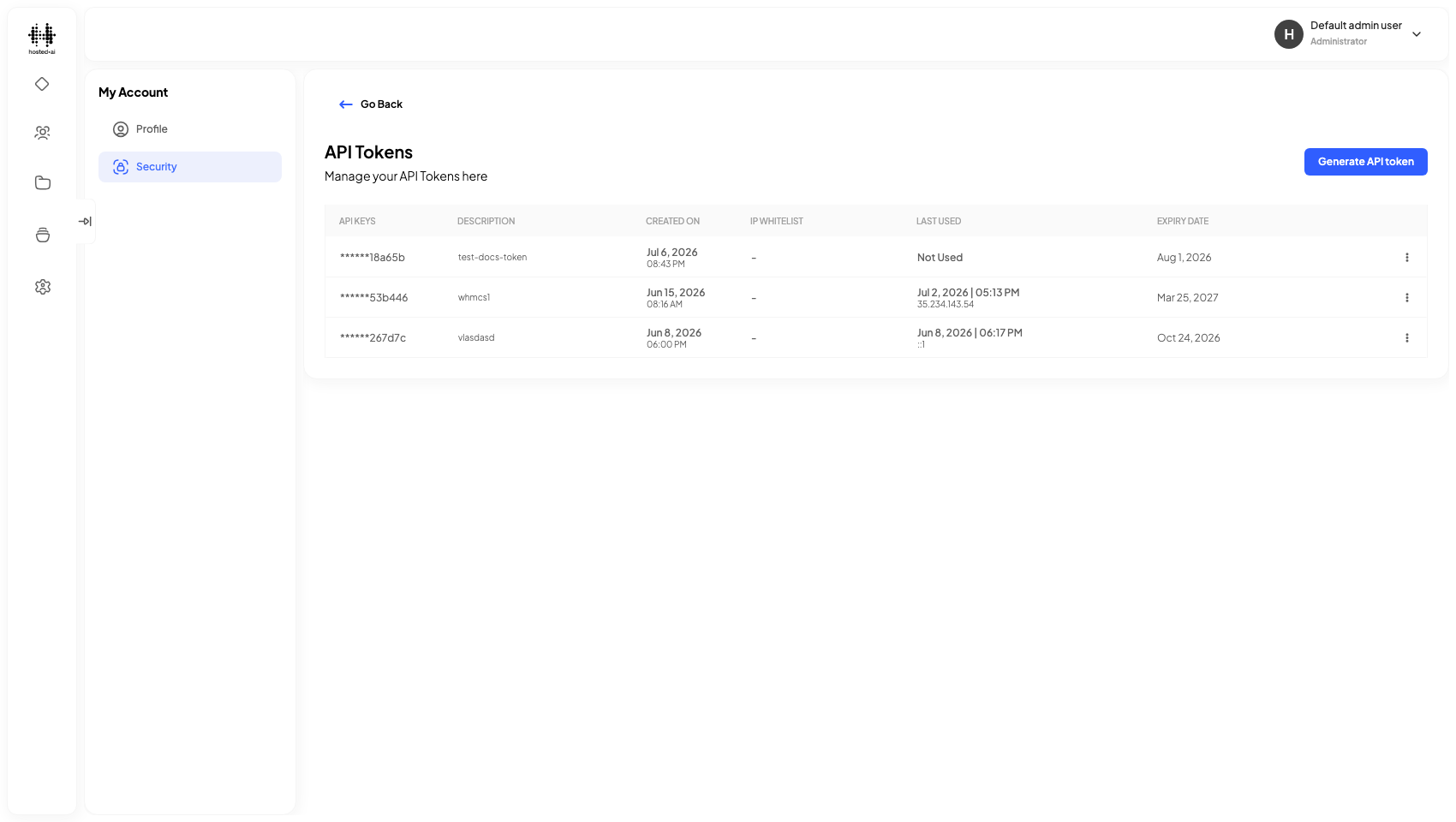
Once saved, the token appears in the list (showing only the last few characters of the key).
Delete a token
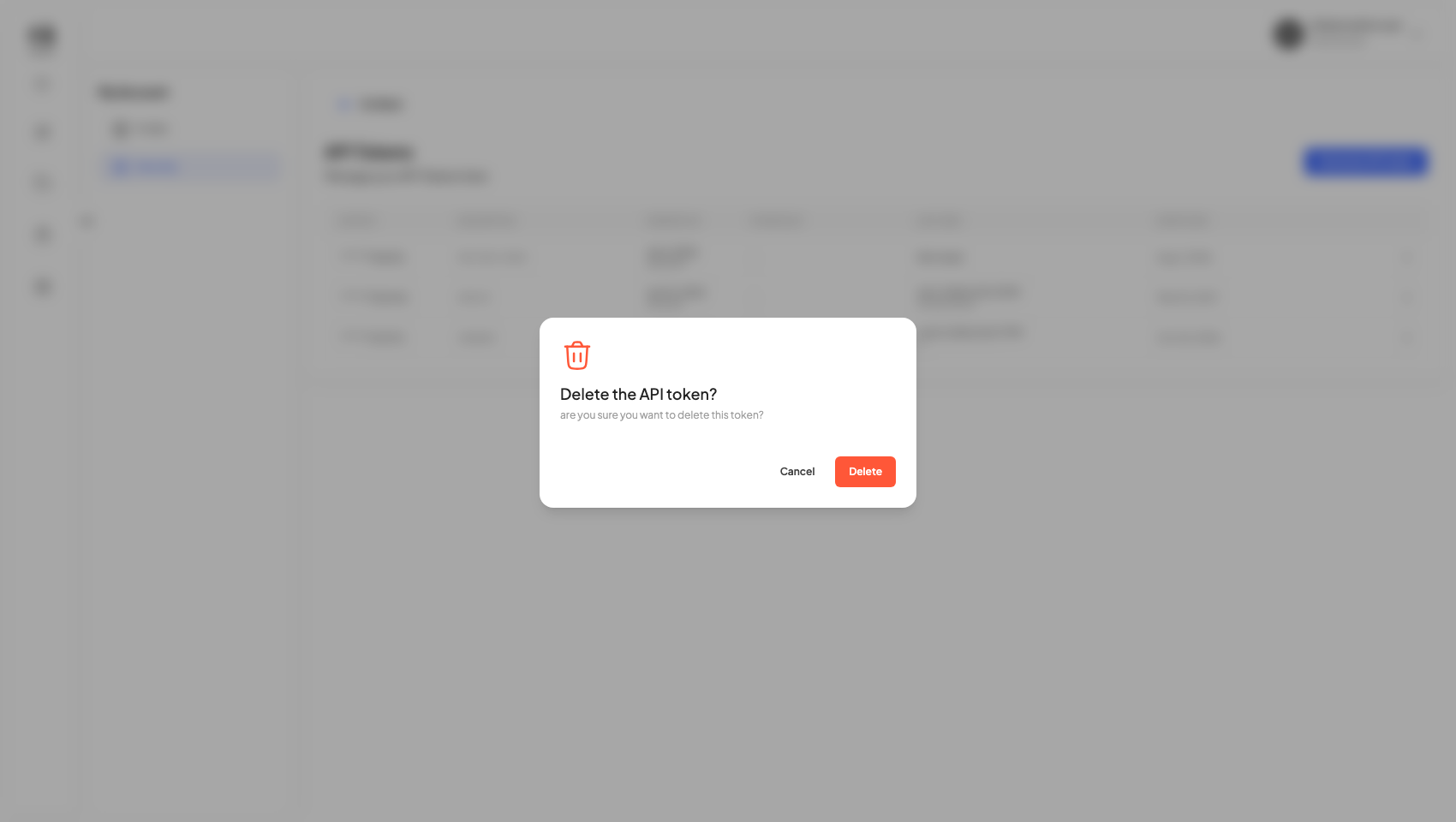
Use the row's action menu → Delete and confirm. Any client using that token will stop authenticating immediately.
Reference
Fields
| Field | Type |
|---|---|
| What is it about? | text |
| 0.0.0.0 | text |
Table columns: API KEYS · DESCRIPTION · CREATED ON · IP WHITELIST · LAST USED · EXPIRY DATE