Service Policies
Service policies control which services a team can use.
For specific tasks, see Create Service Policy, Edit Service Policy, and Delete Service Policy under this section.
note
Screenshots are captured automatically from the live product each release.
Open the Service Policies page
Go to Policies → Service policies.
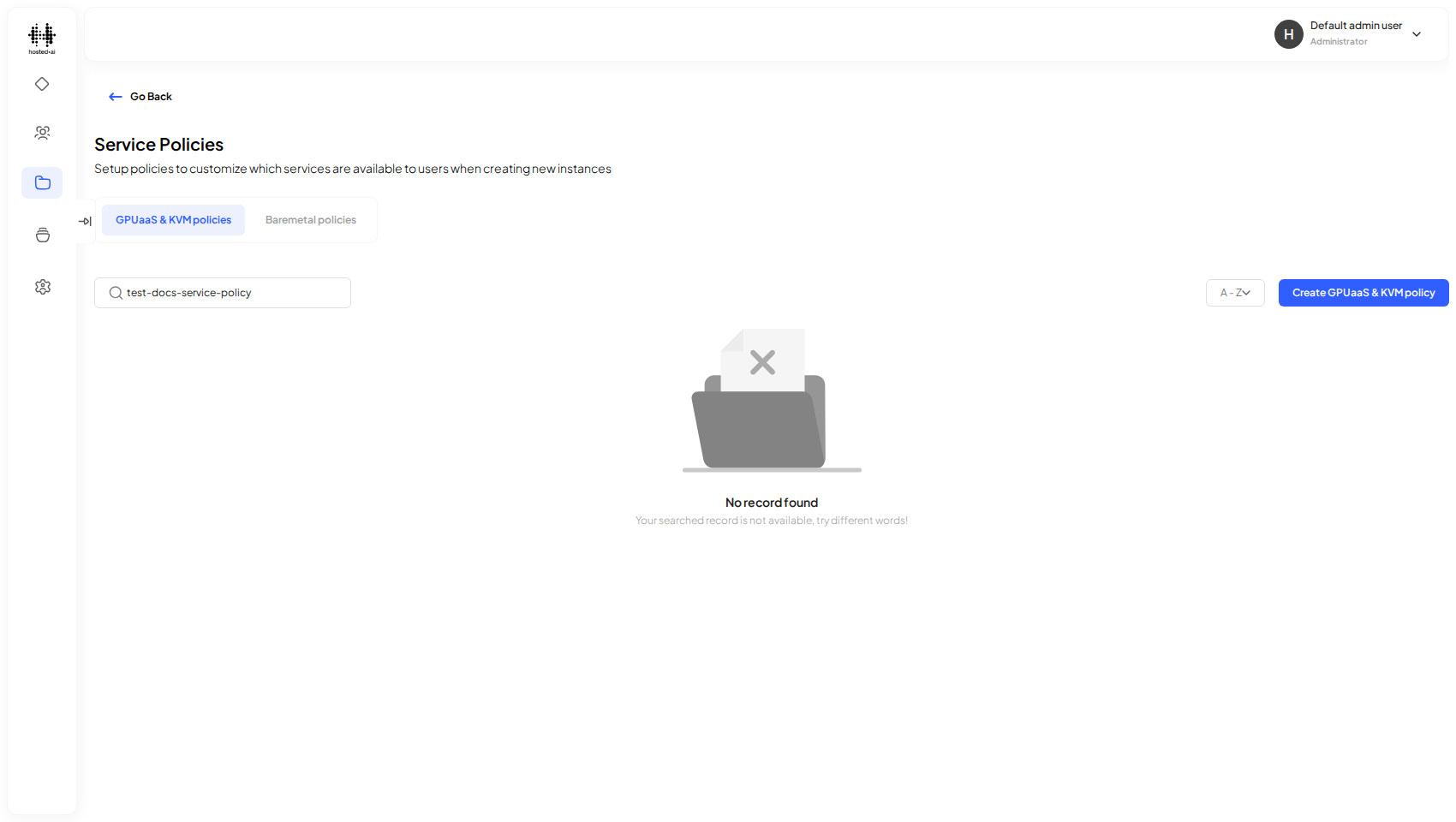
Reference
Fields
| Field | Type |
|---|---|
| eg: Resource template_1 | text |
| Search services by name | text |
| 9b6c7ad7-f3c3-4c73-bc11-cfbecd6dca5b | checkbox |
| 570fca1d-2fca-45f7-8d14-c61852f363dd | checkbox |
| 570377b8-b6cf-48fc-83e7-ac07fc0bb415 | checkbox |
| 9166e383-9a60-4d45-ad86-5fc81020e43b | checkbox |
| 427813f9-e167-4c6a-ac3b-9399766649a5 | checkbox |
| ff678949-fbfd-405b-b01f-91ad597bf9e6 | checkbox |
| d5af741d-e36a-49e2-8eb4-7b3df6b84116 | checkbox |
| bd624d1d-35f3-4438-b1dd-791ec362fbec | checkbox |
| 6a46ae44-0c31-4912-aa5b-dfa676998e5a | checkbox |
| a81f5f90-3fc7-4ba0-b5a4-6e6efddf48dc | checkbox |
Tabs: Select services · Assign team (optional)