Managing Currencies
Currencies define how prices are displayed and formatted across your account.
For specific tasks, see Create Currency, Edit Currency, and Delete Currency under this section.
note
Screenshots are captured automatically from the live product each release.
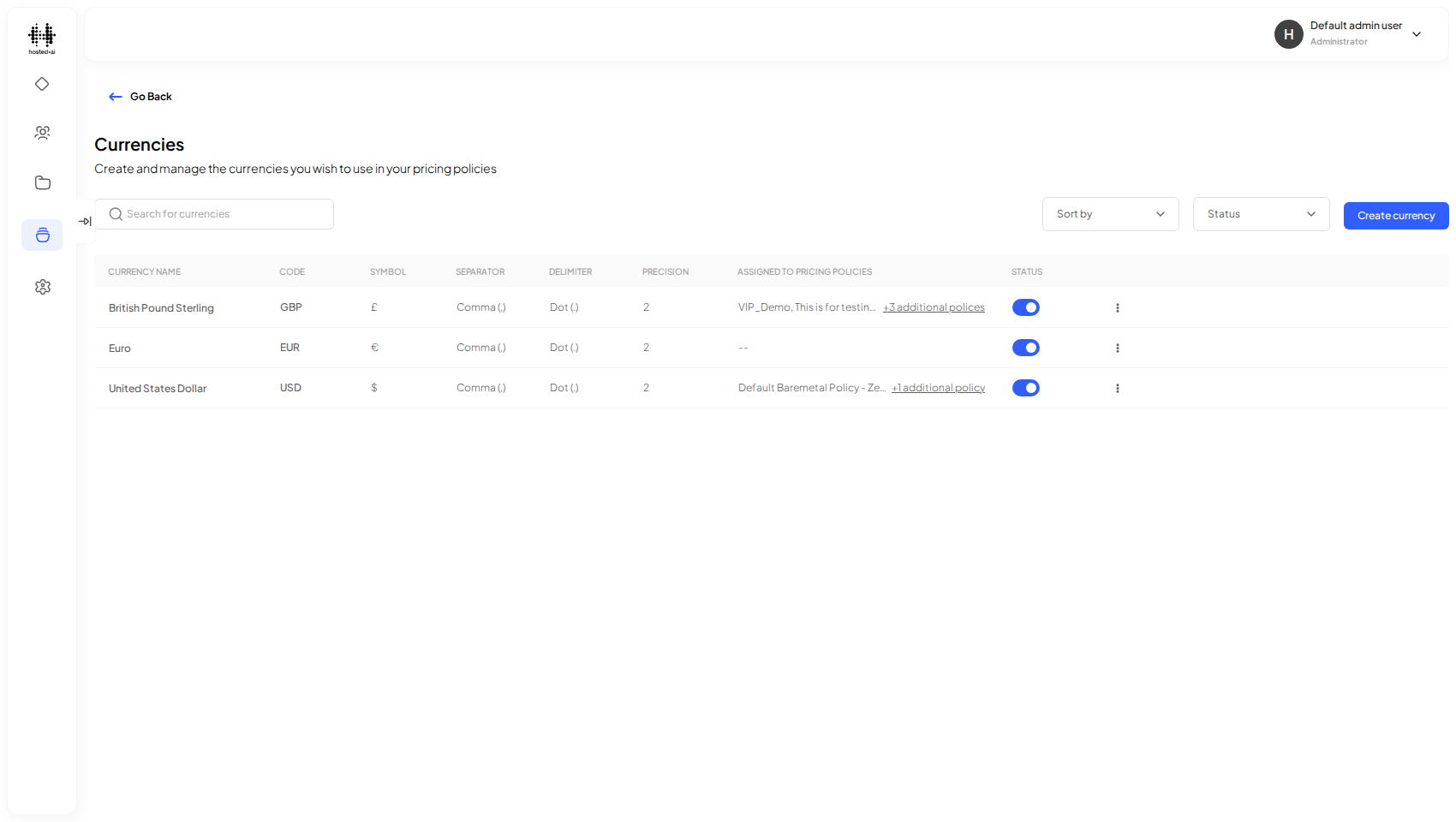
Open the Currencies page
Go to Objects → Currencies to see the currencies configured on your account.
Reference
Fields
| Field | Type |
|---|---|
| Enter the currency name | text |
| Currency code (eg.USD) | text |
| Currency symbol | text |
| Enter locale (eg.en-US) | text |