Images
Images are the operating systems you deploy onto instances. The Images page has two tabs — General Images (for GPUaaS and VM instances) and Baremetal Images (for baremetal instances). Open it from the Objects area of the left navigation.
For specific tasks, see Create Baremetal Image under this section. General images are platform-provided and read-only — there's no create/edit/ delete flow for them.
The screenshots below are captured automatically from the live product on each release, so they match the version you're running.
General images
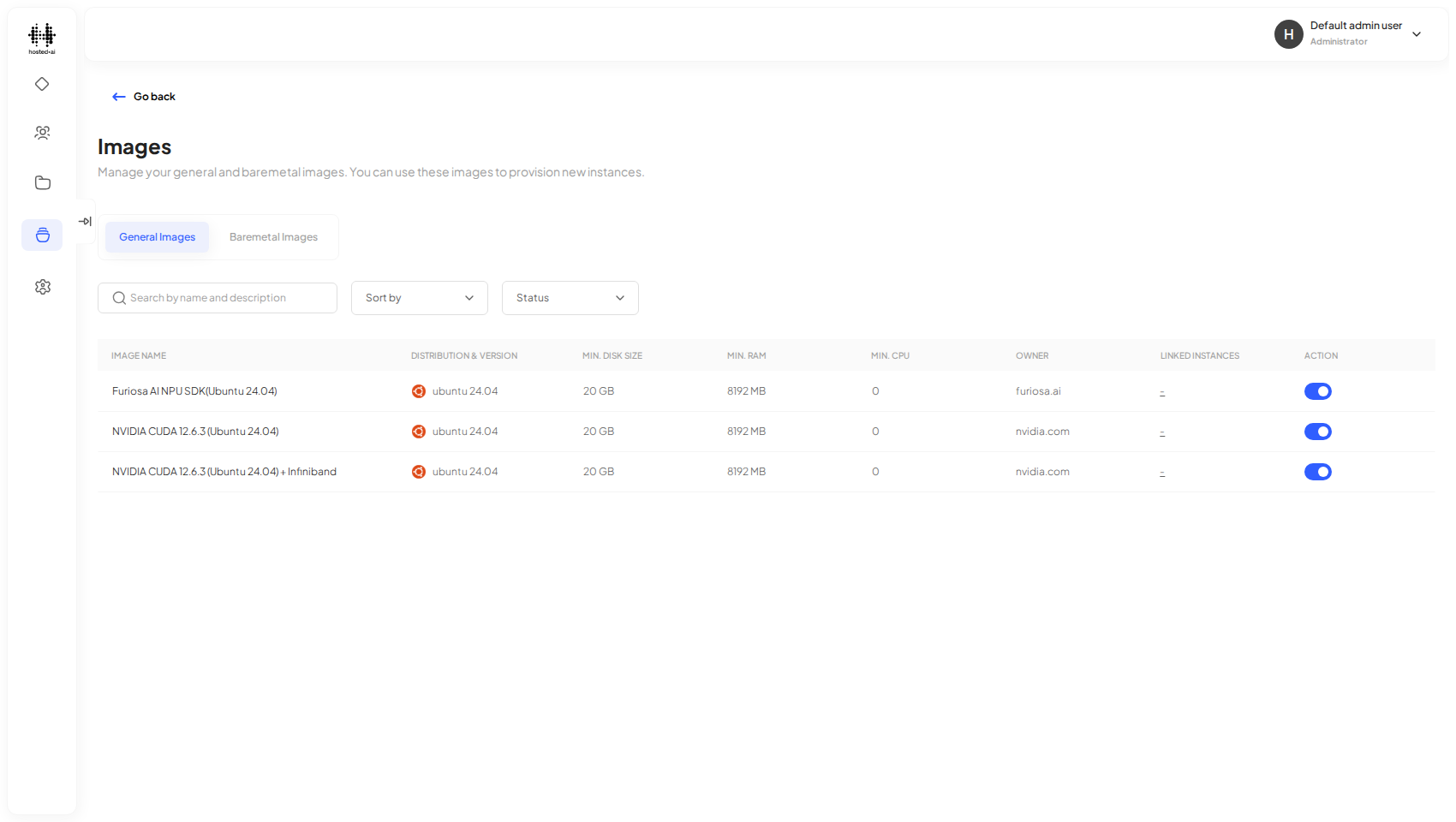
General images are the platform-provided operating-system images available when you deploy an instance. Each row shows the distribution and version, the minimum disk, RAM, and CPU, the owner, and how many instances currently use it.
Baremetal images
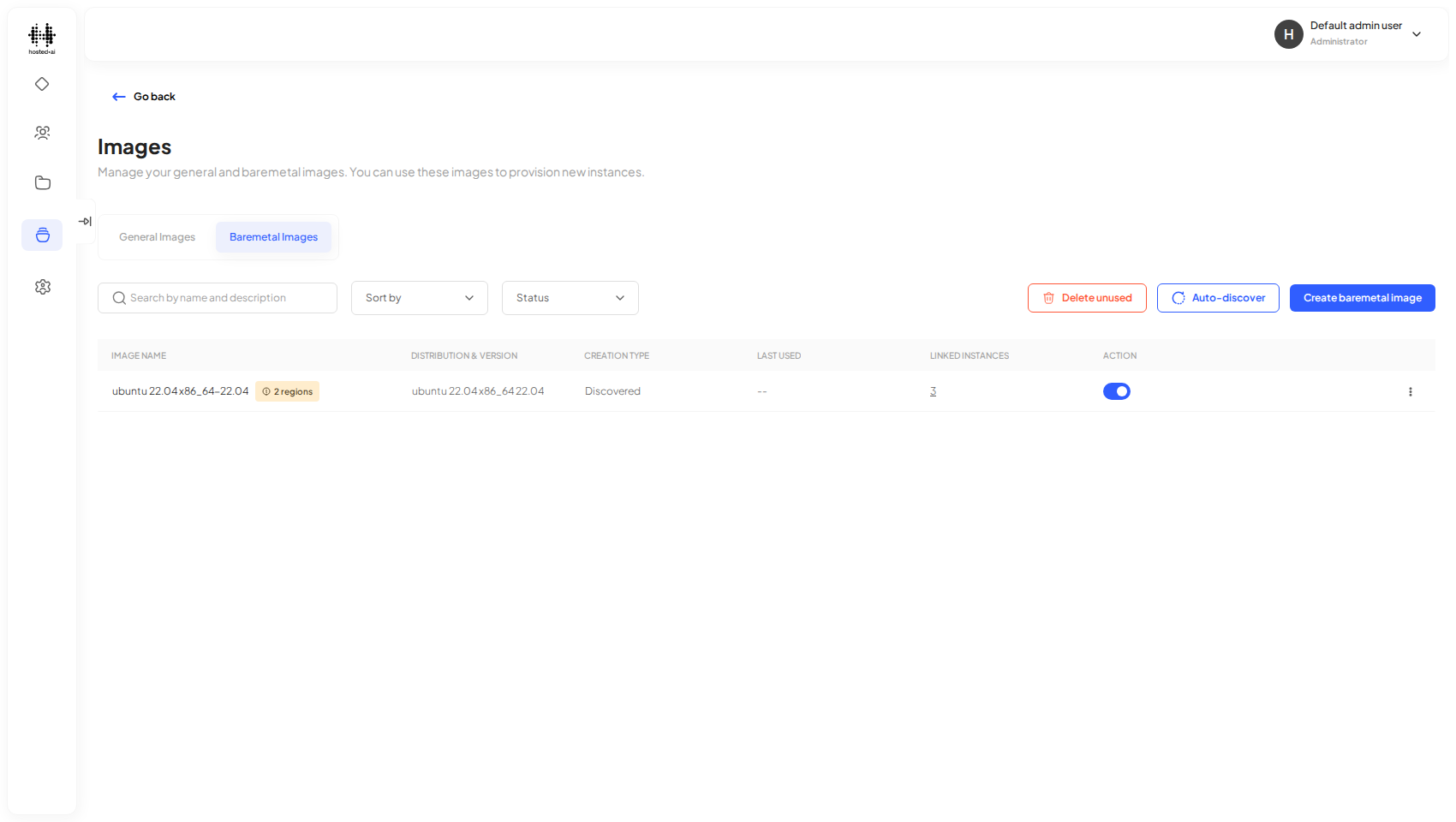
Baremetal images are used when deploying baremetal instances. Alongside the list you can Auto-discover images from the platform or Delete unused ones.
Reference
Fields
| Field | Type |
|---|---|
| Search by name and description | text |
Table columns: IMAGE NAME · DISTRIBUTION & VERSION · MIN. DISK SIZE · MIN. RAM · MIN. CPU · OWNER · LINKED INSTANCES · ACTION
Tabs: General Images · Baremetal Images